数学对象
mobject 是任何你可以在视频中展示的东西。本页展示 mobject 的种类,以及如何更改它们的颜色、大小和角度。
形状
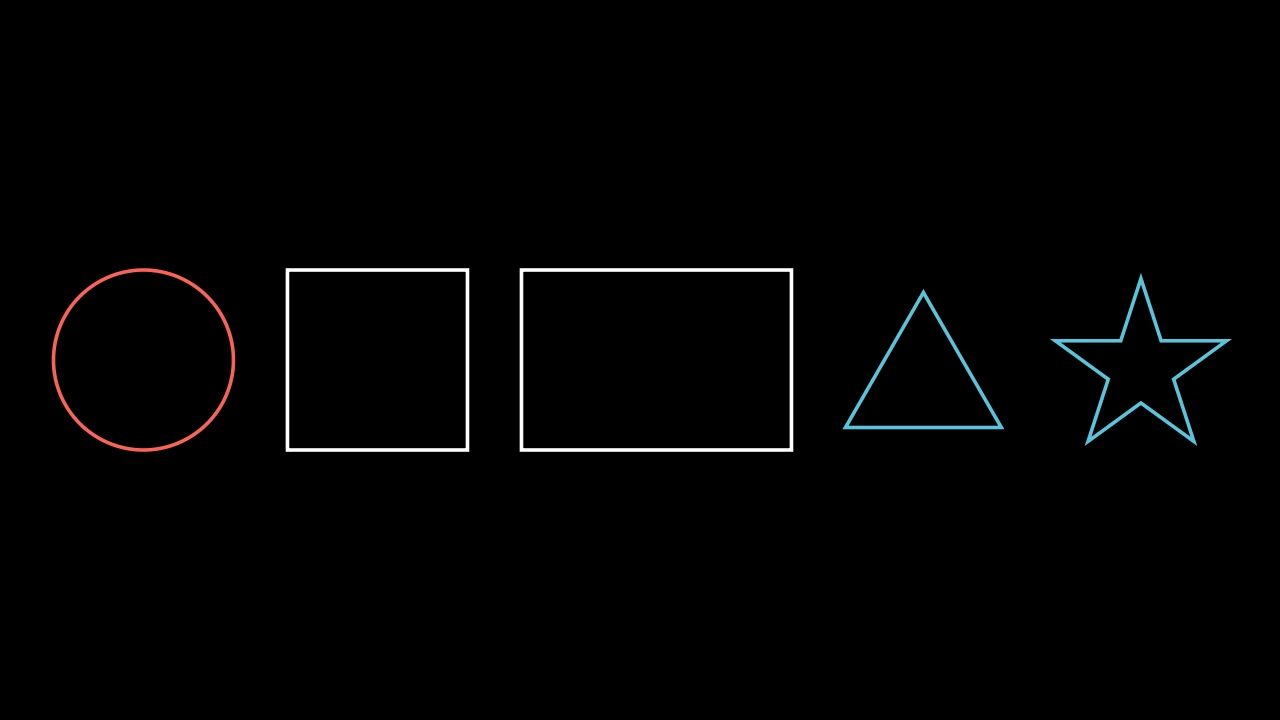
import manimgx as m


class Shapes(m.Scene):
    def construct(self) -> None:
        circle = m.Circle(radius=1)
        square = m.Square(side_length=2)
        rectangle = m.Rectangle(width=3, height=2)
        triangle = m.Triangle()
        star = m.Star()
        shapes = m.VGroup(circle, square, rectangle, triangle, star)
        shapes.arrange(m.RIGHT, buff=0.6)
        self.add(shapes)
每个形状在创建时确定其大小:圆通过 radius,正方形通过 side_length,矩形通过 width 和 height。如果不指定,形状会有自己的默认大小:圆的半径为 1,正方形的边长为 2。
要创建你自己的形状,请给 m.Polygon 指定其顶点:m.Polygon([0, 0, 0], [3, 0, 0], [0, 2, 0])。
线条、箭头和点
线条从一个点延伸到另一个点:
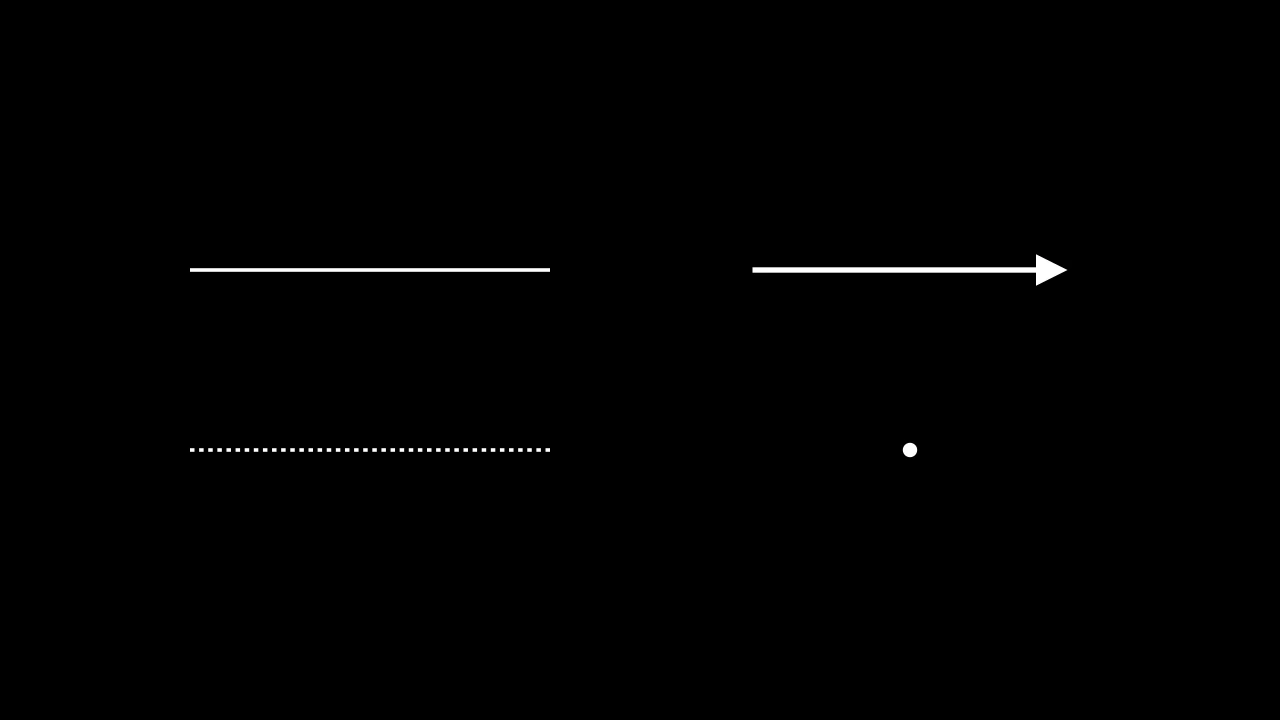
箭头会在其端点之前停下一小段距离,以免遮挡它所指向的内容。要让箭头触碰到端点,请给出 buff=0。点是位于某一点的小型实心圆。
文本和公式
m.Text 显示文本,m.MathTex 显示用 LaTeX 编写的公式:
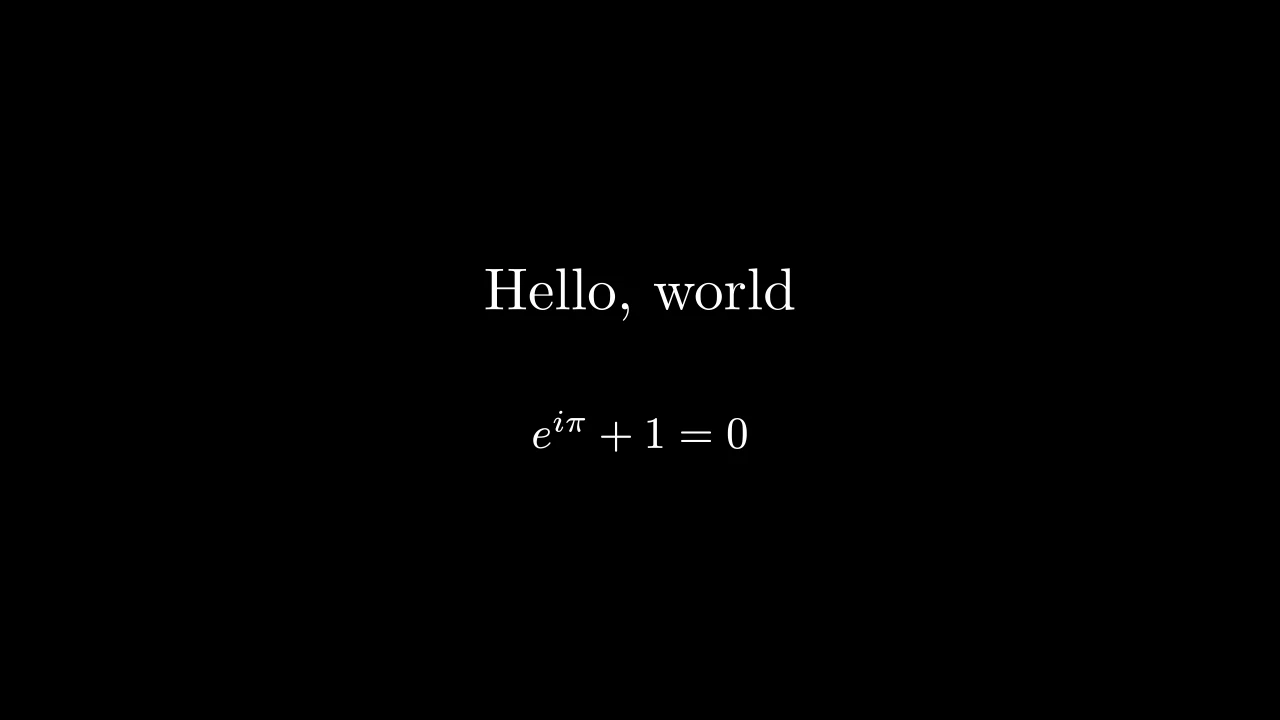
请将公式写在原始字符串 r"..." 中,以便 Python 保留其反斜杠。文本和数学展示了更多内容。
颜色
在创建 mobject 时为其指定颜色:
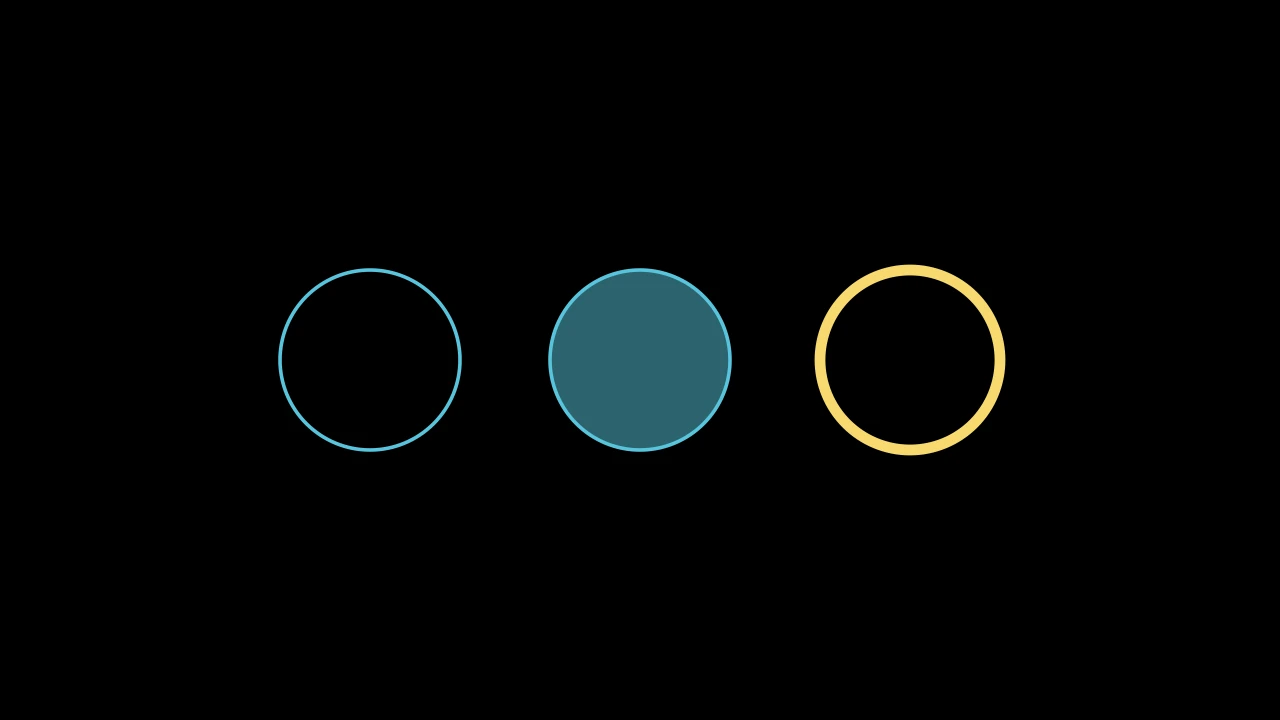
color为轮廓和内部着色。fill_opacity填充内部:0 为空,1 为实心。大多数形状默认为空,除非你填充它们。stroke_width设置轮廓的宽度:大多数形状为 4,箭头为 6,除非你另行指定。
ManimGX 为颜色提供了名称:m.WHITE、m.GREY、m.BLUE、m.TEAL、m.GREEN、m.YELLOW、m.GOLD、m.ORANGE、m.RED、m.PINK、m.PURPLE 等等。其中大多数还有五种深浅变体:m.BLUE_A 是最浅的蓝色,m.BLUE_E 是最深的。你也可以用十六进制代码给出颜色,例如 "#58C4DD"。
要在之后更改颜色,请使用 set_color、set_fill 或 set_stroke:circle.set_fill(m.RED, opacity=1)。
大小和角度
scale 将 mobject 的大小按倍数缩放,rotate 将其逆时针旋转:
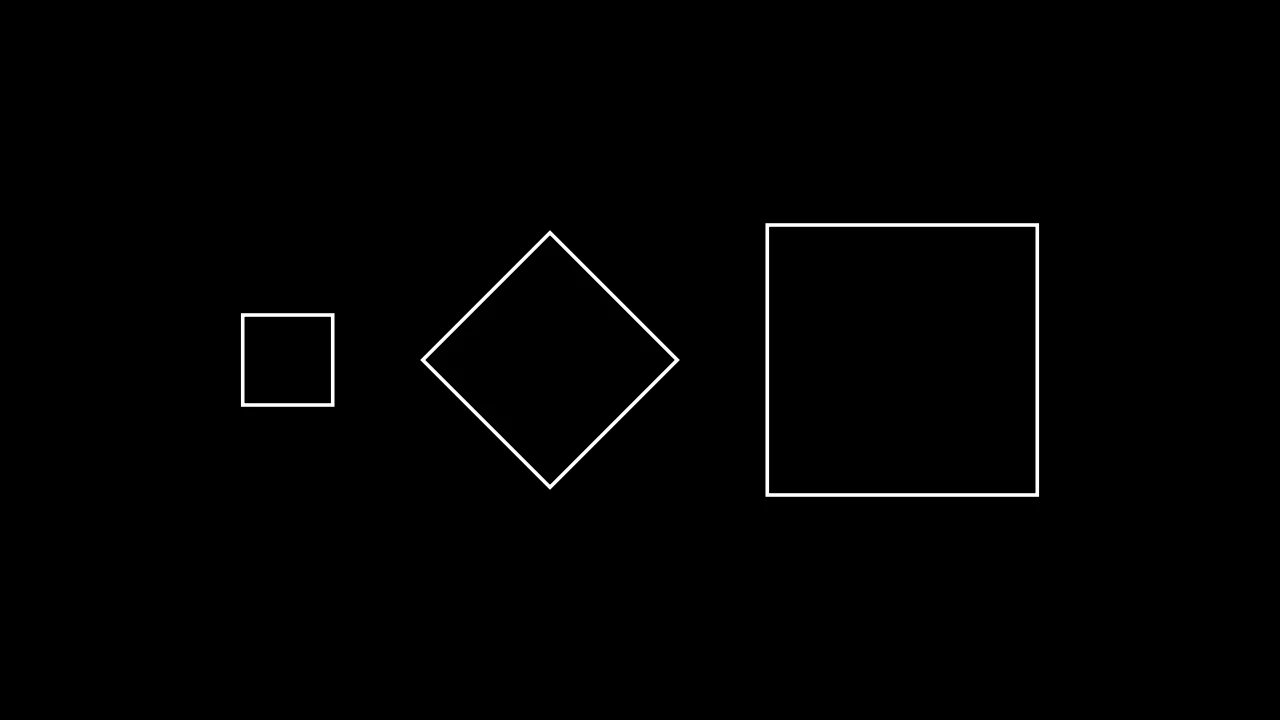
scale(2) 使 mobject 变为两倍大,scale(0.5) 使其减半。它的中心保持在原位。45 * m.DEGREES 是 45 度的角度。
组
组是由其他 mobject 组成的 mobject。当你移动、缩放、着色或制作动画一个组时,你是在对其中的每个 mobject 执行操作。group[0] 是第一个,group[1] 是第二个。
shapes = m.VGroup(circle, square, triangle)
shapes.set_color(m.YELLOW)  # 三个全部变为黄色
shapes[0].scale(2)  # 圆变大
谁遮盖谁
后添加的 mobject 会遮盖先添加的 mobject。要将一个 mobject 提到最前面,请给它更高的 z-index:circle.set_z_index(1)。
参考文档展示了每种 mobject。
下一步
你的 mobject 已就位。动画将展示如何移动和更改它们。